
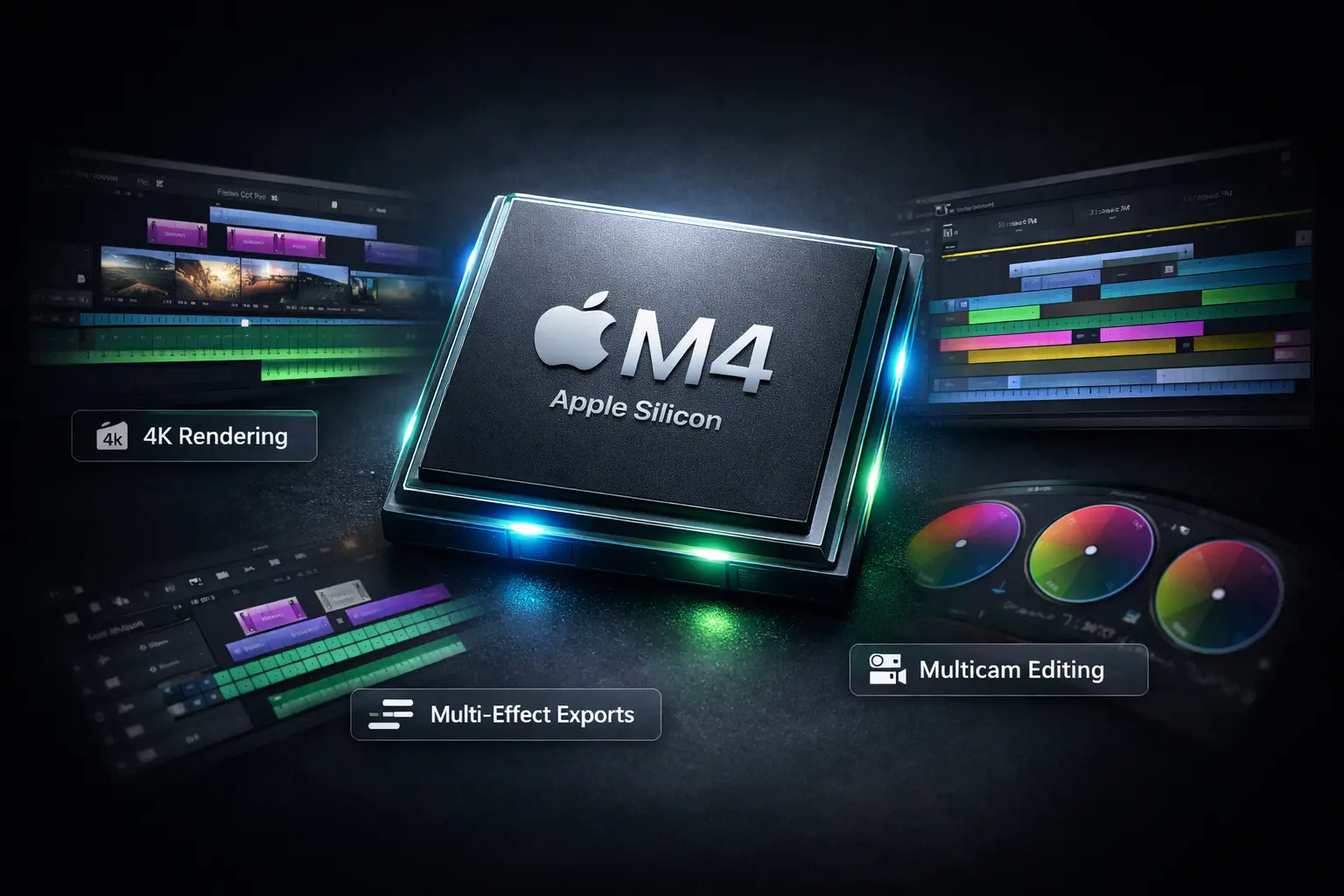
So, Apple has a Silicon chip—the Apple M4. It’s in the Apple’s own MacBook Air, iMac, and Mac mini, MacBook Pro (base Pro) promising phenomenal performance. Sources link: [🔗Apple ]
But if your work involves video editing,
the real question is more specific: Is the base Apple M4 chip actually enough for video editing work ?
This isn’t a spec-sheet hype piece. This guide is based on real-world performance tests from professional editors. We’ll look at how the M4 handles everything from simple 4K exports to complex effects and multicam timelines in Adobe Premiere Pro, Apple Final Cut Pro, and DaVinci Resolve.
By the end, you’ll have a clear, data-backed answer on whether the M4 meets your needs or if you should consider an M4 Pro or Max.
The Core of the Matter: What is the Base Apple M4 Chip?
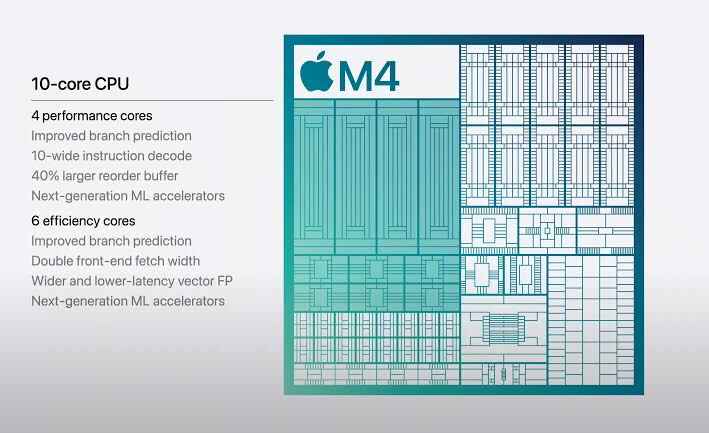
First, let’s clarify what we’re discussing. The base Apple M4 chip (not the Pro or Max) features:
Sources link: [Editorskeys], [Laryjordan], and [Apple]
It’s designed for exceptional efficiency and strong single-core performance. But how does this translate to the messy, demanding real world of video editing?
Real-World Benchmarks: Video Editing on Apple M4
Theory is one thing, but real projects tell the true story. Based on extensive testing by professional editors, here’s how the M4 performs.
Export And Render Speed For Apple M4: The Raw Number as by Video editor
Performance varies dramatically depending on your software and project complexity. Sources link: [Laryjodan], [Laryjordan], [ProvideoCoalition],
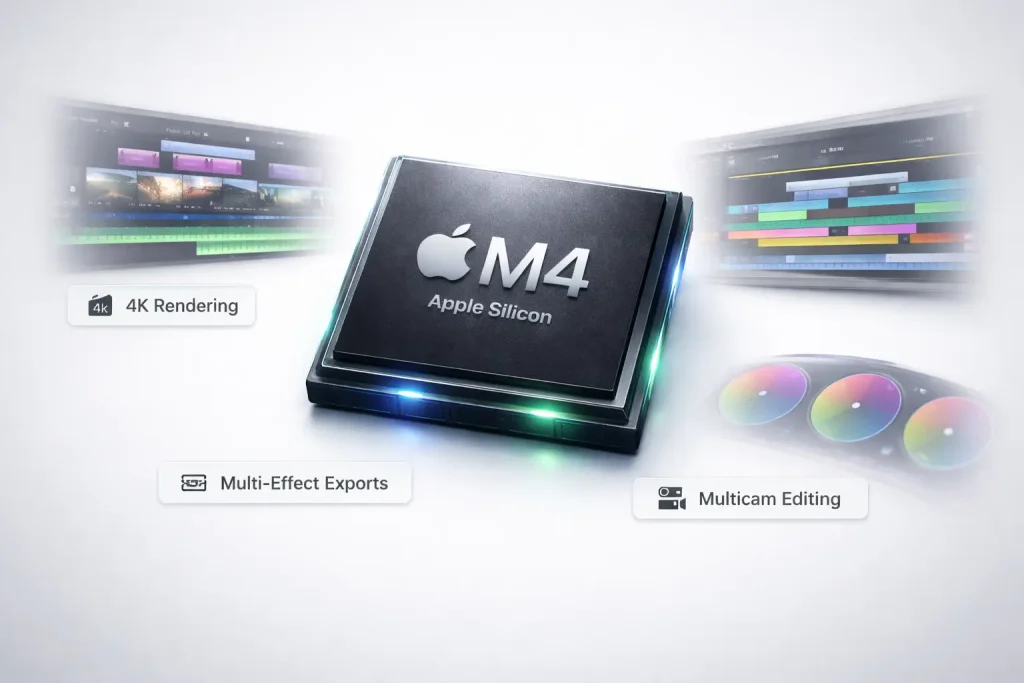
Benchmark 1: Simple 4K Timeline Export
This test used a 10-minute timeline with 60 UHD ProRes clips, using only cuts, dissolves, and titles.
Export Time Comparison
What this means: For standard editing, the M4 family is in the same league as high-end chips from the last generation and is dozens of times faster than Intel Macs. The base M4 will deliver very similar performance in this kind of workflow. Sources link: [Larryjordan], [Larryjordan]
Benchmark 2: Complex Effect and Rendering
This test used a complex 10-minute project with scaling,rotation, color grading, and vignettes—tasks that heavily stress the GPU.
Render Time Comparison
What this means: When effects are involved, more GPU cores lead to faster renders. The M2 Max (with 30 GPU cores) beat the M4 Pro (with 16). The base M4, with a 10-core GPU, will be slower for these heavy tasks. Sources link: [Larryjordan], [ProvideoCoalition]
Software Factor: Not Only Apple M4
Your editing software dramatically impacts performance. Tests show Final Cut Pro is consistently the fastest and most efficient on Apple Silicon, followed by DaVinci Resolve, with Adobe Premiere Pro often lagging in optimization. Across Major
Apple M4 Across Major Editing Software:
Final Cut Pro
Davinci Resolve
Adobe Premiere Pro
Sources link: [Larryjordan], [Spotlightfx], [Adobe], [Larryjordan]
Again same question.
Is the base Apple M4 Chip enough for you ?
The answer depends entirely on your specific workflow. Based on the evidence, here’s who the base M4 is perfect for, and who should consider a more powerful chip.
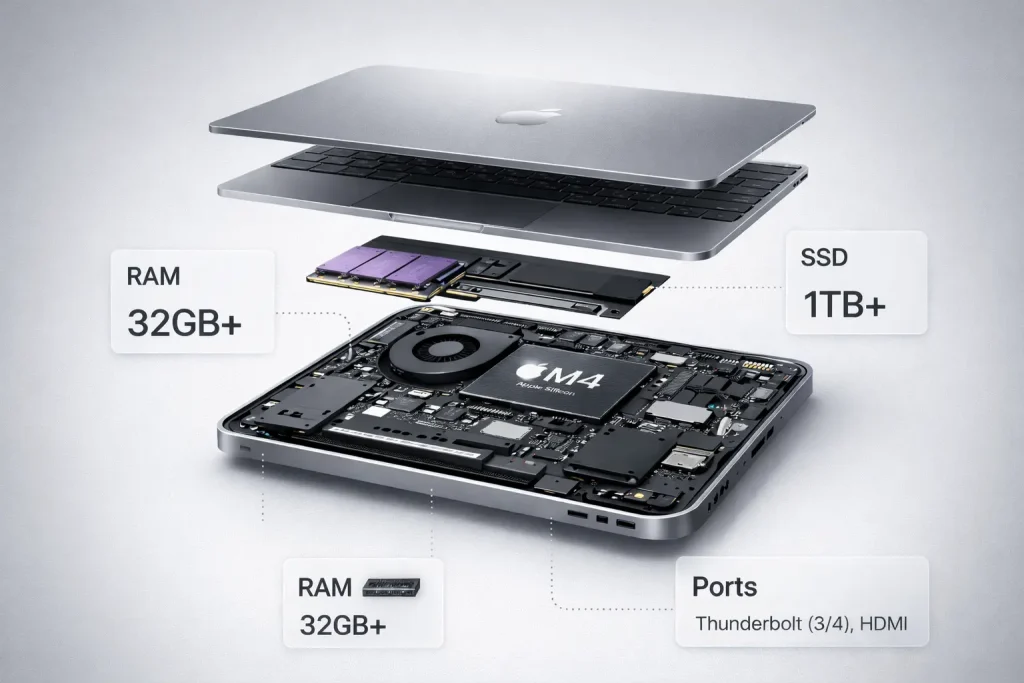
✅ The Base M4 is an Excellent Fit If You:
Sources link: [Larryjordan], [Larryjordan]
❌ Consider an M4 Pro or M4 Max If You:
Sources link: [Larryjordan], [Macrumors], [Adobe], [Apple]
How to Configure Your Apple M4 for Video Editing
If you choose an Apple M4, smart configuration is key to maximizing value
Priority 1: Unified Memory (RAM)
Priority 2: Internal Storage
Priority 3: GPU Cores
Final Verdict for Apple M4
The base Apple M4 chip is a tremendously capable video editing chip that represents a monumental leap over any Intel-based Mac. For a significant majority of editors—particularly those using Final Cut Pro or DaVinci Resolve with 4K media—it is not only “enough” but will provide a fantastically smooth and fast experience.
Its limitations only become apparent at the professional extremes: intensive multicam workflows, heavy effects rendering, and inefficient software like Premiere Pro. For those workflows, the additional GPU cores, memory bandwidth, and dual media engines of the M4 Pro or M4 Max are worth the investment.
Ultimately, the M4 democratizes high-performance editing. It delivers what was once high-end Pro performance into a quiet, cool, and accessible package, making it one of the most compelling values for video creators today.